
Why Create an Account Just to Edit a PDF?
Getting Started
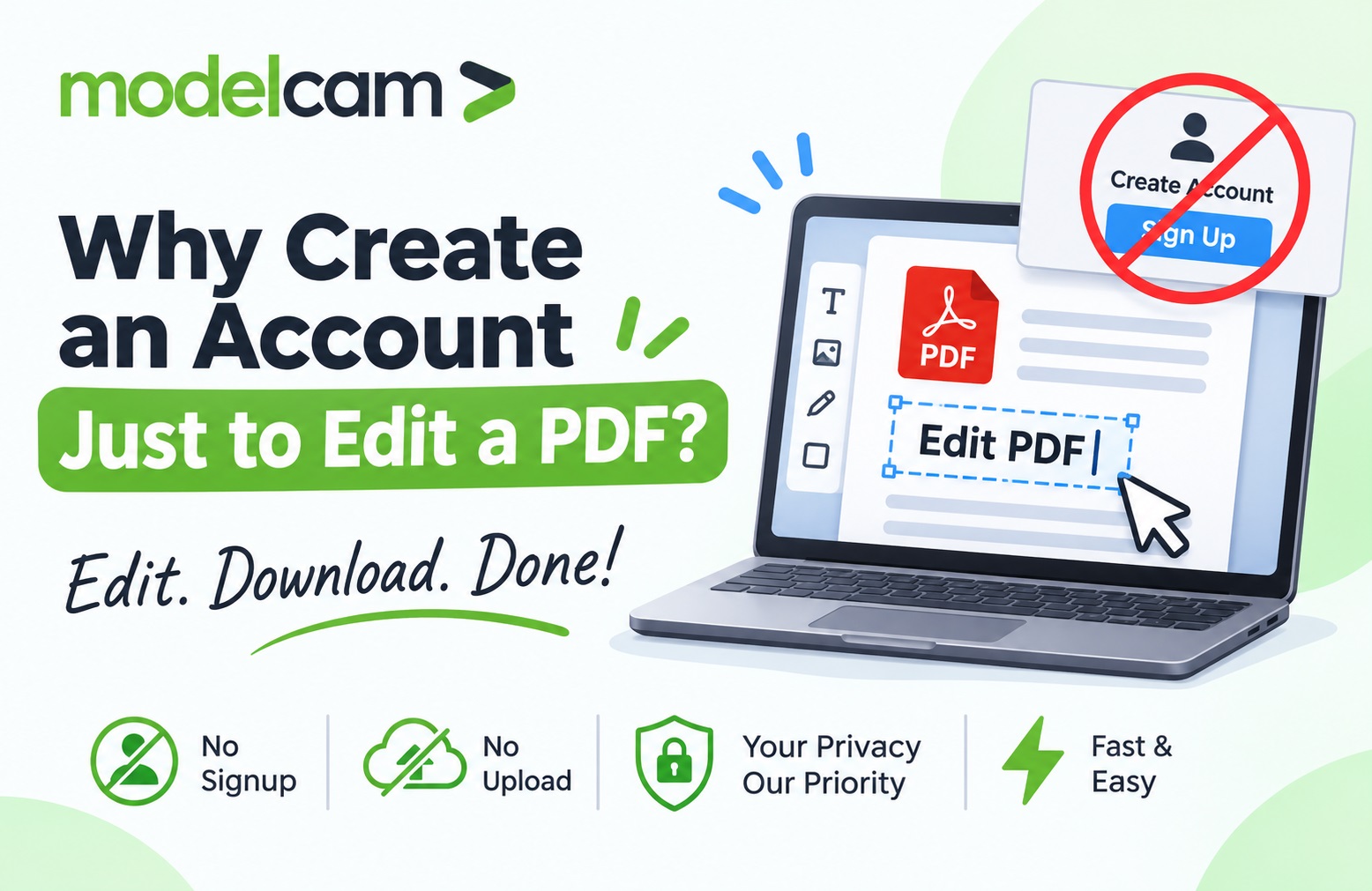
Have you ever opened a PDF to make a quick edit, only to find that you need to sign up, verify your email, or register an account before getting started? Such requirements can make a simple task unnecessarily frustrating.
Editing a PDF should be easy. Whether you want to add text, delete a page, insert a signature, or convert a file, you should be able to complete the task without extra steps. However, many online tools require users to register before they can access basic features. This makes people wonder: why do you need to create an account just to edit a PDF?
PDF Editing Shouldn't Involve Unnecessary Signups
PDF files are commonly used for resumes, invoices, assignments, reports, forms, and business documents. In many cases, users only need to make a minor change, such as fixing a sentence, adding a signature, or changing the order of pages.
Despite this, several online PDF tools require users to register before they can use these basic features. Signing up, setting a password, and verifying an email address can sometimes take more time than completing the actual editing task.
If someone only needs a PDF editor for a quick or one-time job, these additional steps can be inconvenient. Basic PDF editing should be fast, simple, and accessible to everyone.
The Problem with Account-Based PDF Tools
Many online platforms make account creation a mandatory part of their editing process. While registration may be helpful for cloud storage, collaboration, or regularly managing files, it isn't always needed for everyday PDF processing.
Users often face the following inconveniences:
- Unnecessary registration: Users need to create an account even for simple editing tasks.
- Email verification: Confirming an email address adds an extra step.
- Marketing emails: Signing up may result in promotional messages and updates.
- Limited access: Some platforms restrict basic features until users register or purchase a subscription.
- Privacy concerns: Users may not want to share personal details just to edit a document.
These restrictions can make simple PDF tasks more time-consuming, especially when users need to make quick changes to their files.
Why No Signup and No Upload Matter
Convenience isn't the only concern when working with PDF documents. Privacy is equally important, as these files may contain personal information, financial details, business records, or confidential data.
Users should have access to PDF tools without being asked to provide unnecessary personal information. A no signup approach eliminates the registration process and makes PDF editing more convenient.
Likewise, no upload processing may offer an added privacy benefit when files are handled directly on the user's device instead of being sent to an external server. This can help minimize the exposure of sensitive documents during PDF processing.
For people who frequently handle confidential files, knowing how a tool processes and protects their documents is just as important as the features it offers.
What Users Really Want from Free PDF Tools
Most people don't need complex software to handle everyday PDF tasks. They simply want reliable tools that help them manage documents without unnecessary restrictions or delays.
Some of the most commonly used PDF features include:
- Editing text or adding new content to documents.
- Combining multiple files into one PDF.
- Splitting PDFs into separate files.
- Compressing documents for easier sharing.
- Converting PDFs into Word, image, or other file formats.
- Adding signatures and organizing pages.
Having access to free PDF tools makes these tasks more convenient for students, professionals, freelancers, and small businesses. Easy-to-use tools allow users to complete their PDF tasks quickly without spending unnecessary time on registration or complicated processes.
How HamaraPDF Simplifies PDF Tasks
HamaraPDF provides a range of free online PDF tools that help users manage their documents easily. Users can edit, merge, split, compress, and perform PDF conversion without having to go through unnecessary signup procedures.
Its no signup and no watermark features make the platform a convenient choice for those who want to complete PDF tasks without creating accounts or facing unnecessary limitations.
Whether users want to edit a document, shrink file size, or convert a PDF into a different format, HamaraPDF offers useful tools through an easy-to-navigate interface.
With its collection of free online PDF tools, the platform helps users handle everyday document tasks without needing to download or install additional software.
Do PDF Tools Need AI to Be Useful?
Artificial intelligence is increasingly influencing how people work with digital tools. From AI in business to Data Analysis and Data Automation, AI is making many tasks easier. However, not every digital activity requires an AI-powered tool.
When it comes to basic PDF editing, most users need simple, dependable tools rather than complex functionalities. Straightforward PDF processing, easy navigation, and accessible features can make everyday document tasks much easier.
Although AI-driven solutions can support advanced tasks such as document analysis, summarization, and information extraction, traditional PDF tools continue to be useful for everyday editing and conversion needs.
Technology should focus on making tasks simpler and more accessible, whether through AI-powered features or basic document processing tools.
Conclusion
Users shouldn't have to create an account every time they want to edit a PDF. They need convenient, straightforward tools that allow them to complete routine document tasks without unnecessary steps or complications.
Whether it involves editing, merging, compressing, or converting files, PDF tools should make document management simple and accessible. HamaraPDF helps users handle everyday PDF tasks with free tools, no signup, and no watermark, making document management more convenient.