PDF tools have made everyday document work much easier. With a few clicks, you can edit, convert, compress, sign, or share PDF files. But before uploading a document to an online service, it is worth pausing for a moment and ask: What information does this PDF contain, and what happens to that information during processing?
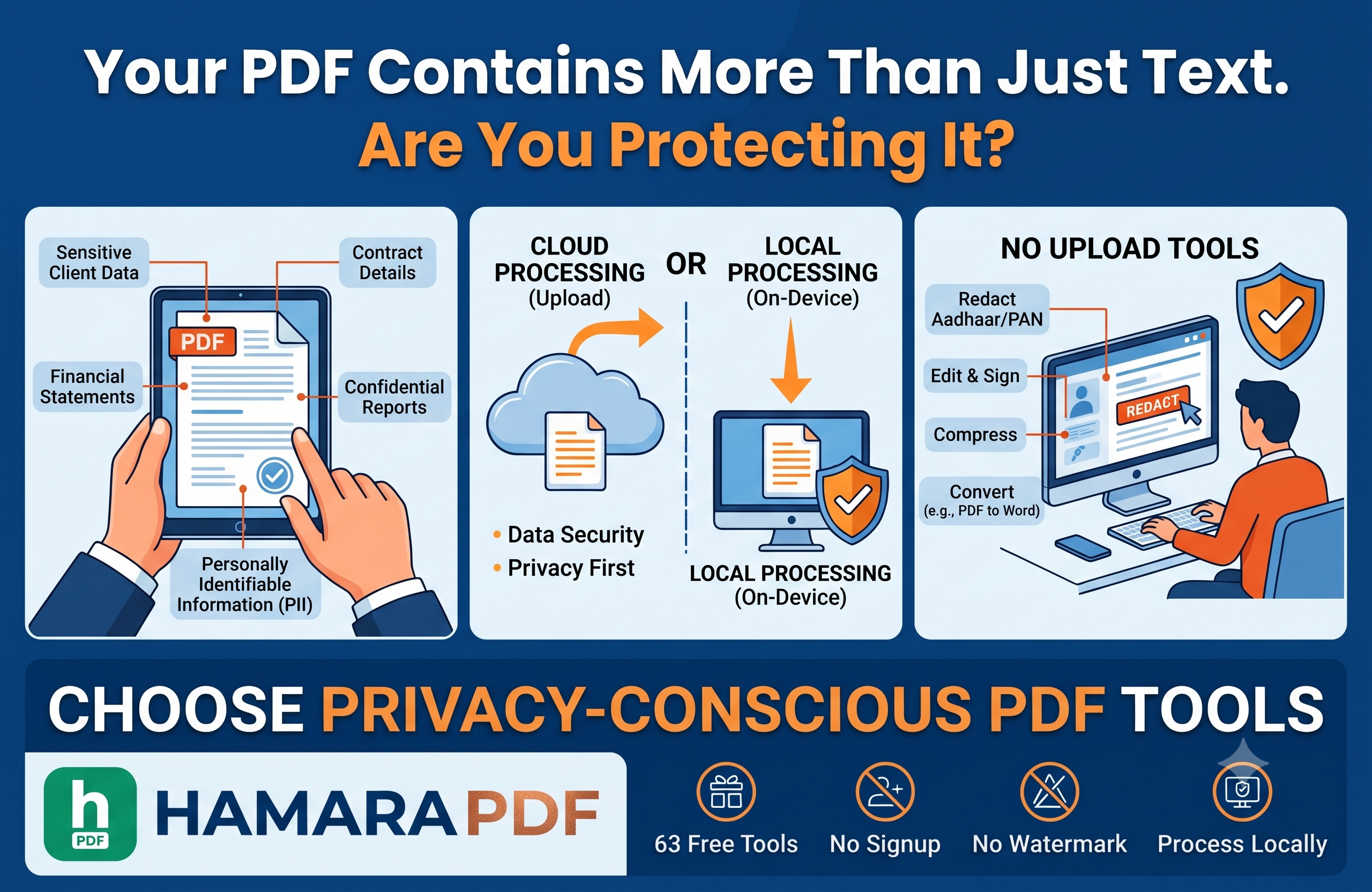
A PDF may appear to be a simple file, but it can carry a lot of important information. It could contain customer details, invoices, contracts, identity documents, financial information, business proposals, internal reports, or other confidential data.
That is why PDF privacy deserves attention whenever we work with digital documents.
It is easy to think of a PDF as just another document that needs to be edited, converted, or shared.
However, a typical business PDF may contain much more than text. An invoice could include payment details, a contract may contain sensitive commercial terms, and an internal report could reveal information that is not meant for public access.
Even something as routine as converting a PDF document into Word or extracting specific pages may involve processing information that needs to be handled carefully.
This is why PDF security should not be a concern only for highly confidential documents. It is worth considering whenever you choose online PDF tools to work with important files.
So, instead of asking only:
“Can this tool do what I need?”
it is also worth asking:
"What happens to my PDF when I use this tool? "
Cloud-based PDF processing has made document work quick and convenient. You upload a file, select the required function, let the service process it, and download the finished document.
For a routine PDF that contains no sensitive information, this may not seem like a major concern.
The situation can be different when the document contains personal, financial, or business information. In such cases, it is reasonable to ask where the file is being processed and whether it is stored by the service after the task is complete.
Not every online service follows the same approach. Their infrastructure, privacy policies, data retention practices, and security measures can vary.
So, before uploading important PDF files, it is worth taking a moment to understand how a particular service handles your documents.
For sensitive files, processing them directly on your own device can provide an alternative approach where the document does not need to be sent to an external server.
No upload is more than a marketing phrase. It describes where the actual document processing takes place.
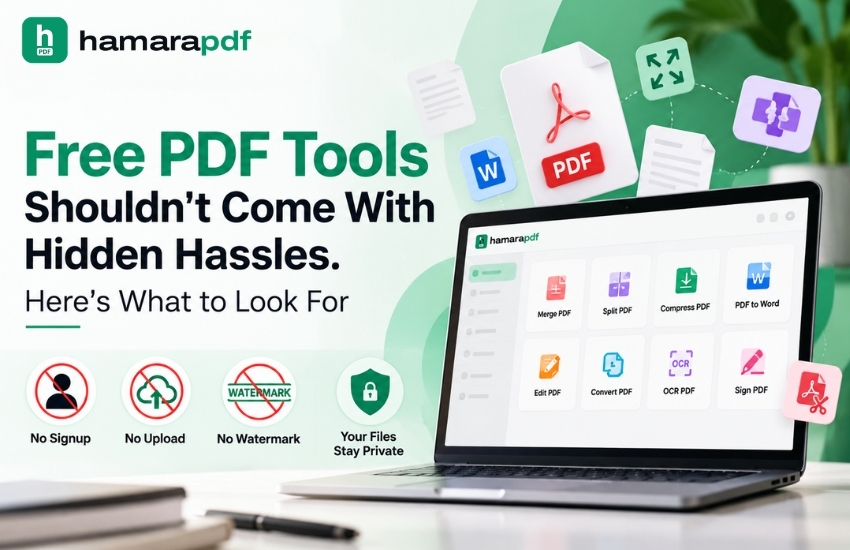
According to HamaraPDF, its core tools process files locally on the user's device instead of uploading them to its cloud. The website also states that these tools require no signup, add no watermark, and do not impose processing limits.
This local approach can support everyday tasks such as merging, splitting, compressing, converting, editing, signing, redacting, and OCR directly on the device.
For people handling confidential or sensitive documents, the processing model can be just as important as the number of features a tool provides.
So, when choosing a PDF editor, it is worth looking beyond the feature list and asking a more practical question:
Does the way this tool processes my document match my privacy needs?
PDF editing is not limited to correcting text or fixing a typo.
Depending on the document, you may need to delete or rearrange pages, add signatures, insert page numbers, update metadata, or remove sensitive information through redaction.
Redaction, in particular, needs careful handling. Simply covering confidential text with a black box does not necessarily remove the original information from the file. Proper redaction should ensure that the hidden content cannot be easily recovered or copied.
HamaraPDF provides redaction features that can identify information using keywords and automatically detect certain types of personally identifiable information, including Aadhaar, PAN, and card numbers.
This brings up an important point: PDF security is not only about protecting a document from unauthorized access. It is also about making sure sensitive information is properly removed when required.
Metadata is another area that is frequently disregarded.
Information like the document title, author, subject, and keywords can all be found in a PDF. This data may occasionally provide more details about a document than the pages that are visible in a business setting.
For this reason, document metadata management functions may be included in privacy-conscious PDF tools.
Along with tools for signatures, watermarks, headers, footers, and other document-management duties, HamaraPDF offers the ability to change PDF metadata.
The more general lesson is straightforward:
Protecting a PDF involves more than just keeping what you can see safe.
It also involves figuring out what information is hidden beneath the visible content in the file.
PDF conversion is another common task for which people turn to online tools.
You may need to convert Word documents into PDFs, Excel files into PDFs, images into PDFs, or convert PDFs back into editable formats. Hamarapdf supports several of these conversions, including Word to PDF, Excel to PDF, PDF to Word, PDF to Excel, and PDF to text.
These conversion tools can make it easier to work with documents across different file formats, especially in business environments where documents are frequently shared and edited.
However, there is another question worth considering:
Does your document need to leave your device for the conversion to happen?
When a file contains confidential or sensitive information, understanding how and where it is processed can be just as important as getting the conversion done correctly.
AI is becoming an increasingly important part of modern document workflows. AI in business can assist with tasks such as document analysis, summarisation, information extraction, Data Analysis, and other document-related processes. As these technologies develop, AI-driven tools may also make it easier to search, understand, and work with large collections of PDF documents.
However, using AI with sensitive documents raises an additional privacy consideration.
When a confidential document is submitted to a public AI service, organisations need to understand how the information is processed, stored, and handled.
HamaraPDF's upcoming AI tier is intended to use the Modelcam AI engine rather than a public AI API, with document processing designed to remain within the user's infrastructure.
This highlights the growing focus on privacy-conscious AI and AI-Driven Solutions, particularly for organizations that regularly handle confidential or sensitive information.
There is often a perception that free online PDF tools must come with some kind of trade-off.
However, the real question is not simply whether a tool is free. It is worth looking at what the tool actually provides, how it handles documents, whether files need to be uploaded, whether registration is required, and what privacy measures are in place.
HamaraPDF currently provides 63 free PDF tools and states that its core tools process files locally on the user's device. It also highlights no upload, no signup, no watermark, and no processing limits as part of its core service features.
For anyone who works with documents regularly, these factors can be just as important as the features themselves.
The next time you need to compress an invoice, sign a contract, convert a report, or remove sensitive information from a document, take a moment before selecting an online PDF tool.
Instead of looking only at the features, consider a few basic questions:
What kind of information does this PDF contain?
Does the document really need to leave my device?
Is there an option to process the file locally?
A PDF may appear to be just another file, but it can contain much more than that. It might include personal details, financial records, customer information, confidential business data, or months of important work.
The actual PDF task may take only a few seconds. However, understanding where your information goes and how it is processed deserves a little more consideration.
Let’s connect: www.modelcamtechnologies.com
Email: sales@modelcamtechnologies.com
Mobile no : +91 8237016167
Modelcam Technologies provides a wide variety of Services from ART to PART from Concept Design to Industrial Modeling and Analysis for final Manufacturing.
©Copyright 2026. All rights reserved by Modelcam Technologies Private Limited PUNE.